Alphabets
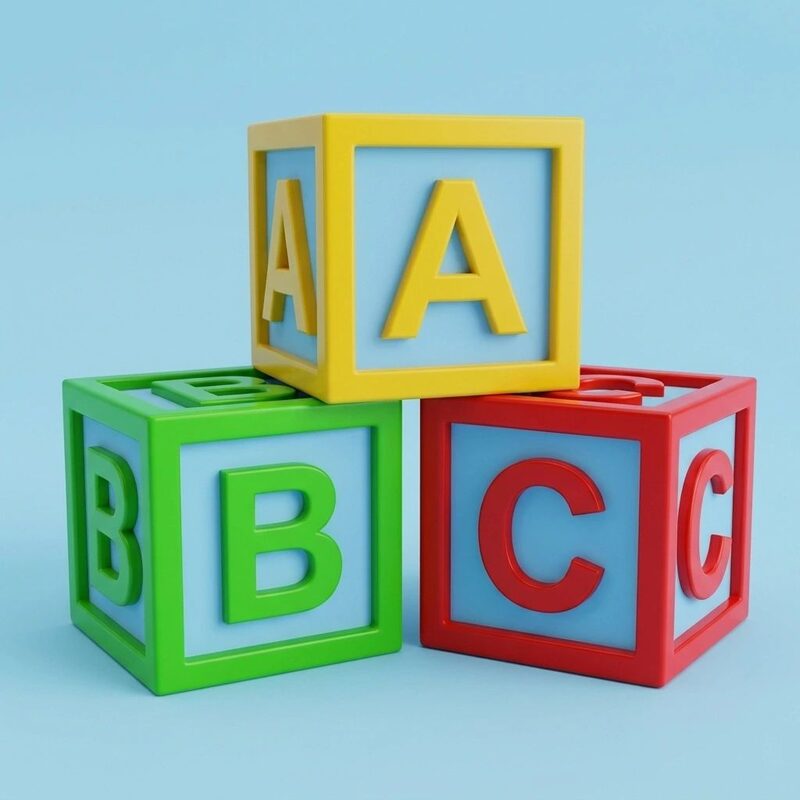
Each letter comes to life when tapped, with animated 3D characters and vibrant photos — from “A” for Antelope to “Z” for Zebra.
- Visual letter recognition
- Hear the sound of each letter
- Connect letters with real-world objects
Learning features
MtotoSmart brings learning to life by combining interactive illustrations, 3D animations, audio narration, written words and touch-based activities. Children actively participate by selecting answers, matching items, constructing sentences, exploring visual demonstrations and solving age-appropriate learning challenges.
Twelve activities support language development, vocabulary building, early mathematics, observation, comprehension and understanding of the world around us. English and Kiswahili learning experiences help children engage with language while discovering new concepts.
Repeated practice, structured tests and feedback give children opportunities to develop confidence and understanding. Automatic learning reports help parents and guardians gain insights into performance and identify where further support may be useful.
More than watching and listening — children interact, practise, solve, discover and demonstrate what they have learned.
Each letter comes to life when tapped, with animated 3D characters and vibrant photos — from “A” for Antelope to “Z” for Zebra.

Photos illustrate each word and children tap the missing letters to complete it. A tick and cheering sound reward correct answers, with unlimited chances to try again.
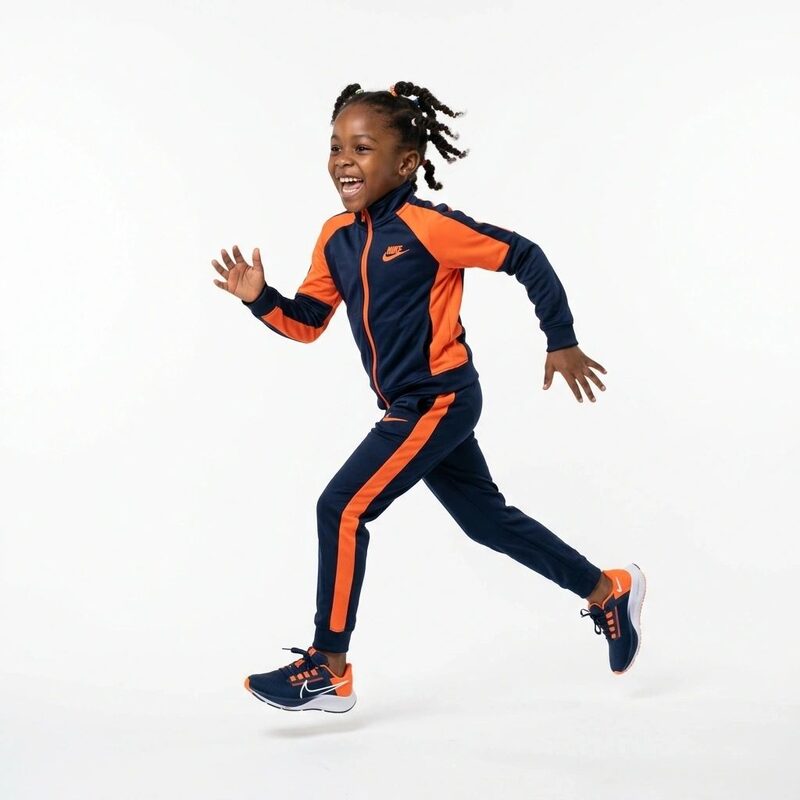
Children choose a verb from a list and a 3D animated character performs it — from “Jump” to “Dance” — with spoken pronunciation and the written word on screen.
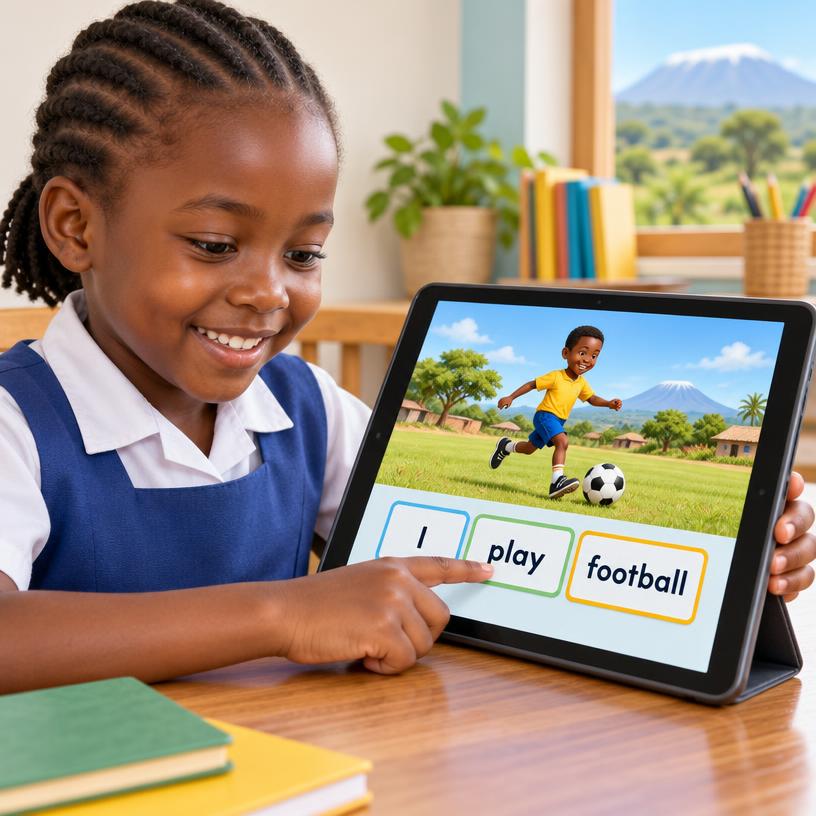
Children build meaningful sentences in English and Kiswahili by selecting words from an interactive table. A correct sentence is displayed, read aloud and accompanied by a video animation demonstrating its meaning, connecting sentence structure, written and spoken language with visual understanding.

Matching exercises with colours, shapes, numbers, domestic animals, wild animals and fruits help children recognise and pair what they see.
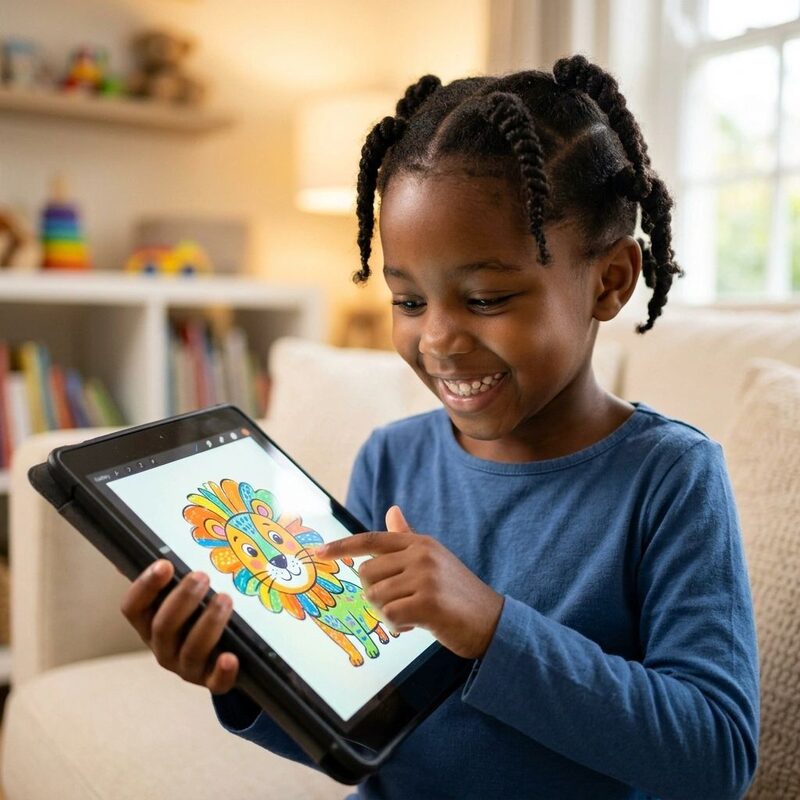
Children choose from pictures of animals and landscapes and colour them with a wide range of colours. Photos can also be imported to colour, and finished work can be shared.

Playful balloon-based activities introduce simple addition and subtraction. Interactive visual counting helps children explore numbers, understand basic quantities and practise simple calculations, making early mathematics more approachable.
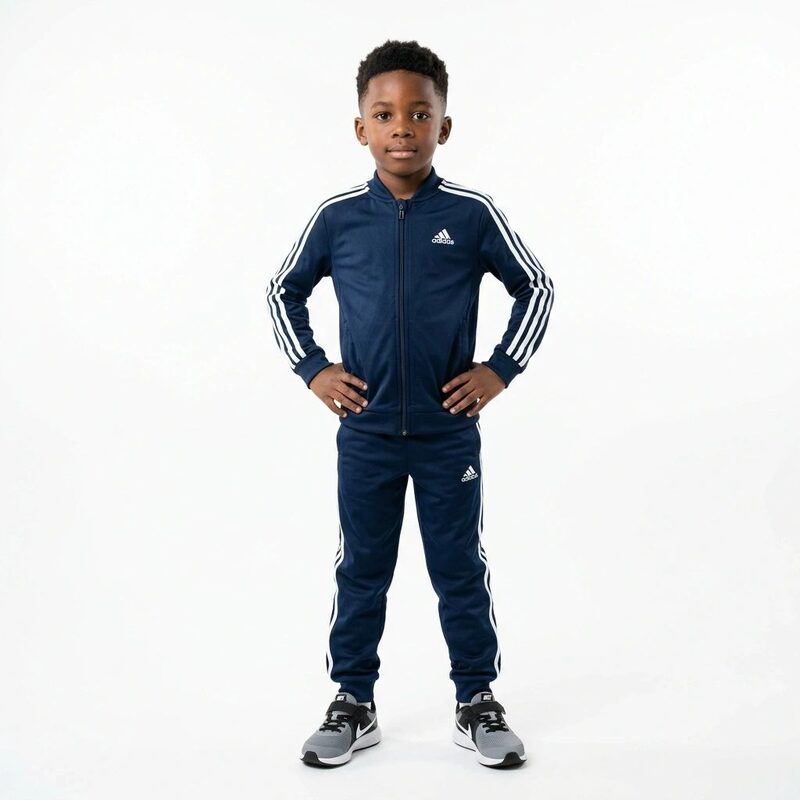
Children select a body part from a list and a 3D animated character shows it — from “Head” to “Knees” — with audio pronunciation and on-screen text.

Animations and audio narration introduce different occupations, the work people do to earn a living and how they contribute to society. Children explore community roles while developing vocabulary and appreciation of the work people do.

Children discover the names of the places where different animals live through animations and supporting audio narration. Learners develop vocabulary and explore the relationship between animals and their environments.

Engaging animations, visual examples and audio narration help children learn the names of animals’ young. Learners connect familiar animals with their offspring while developing vocabulary, observation and recall.
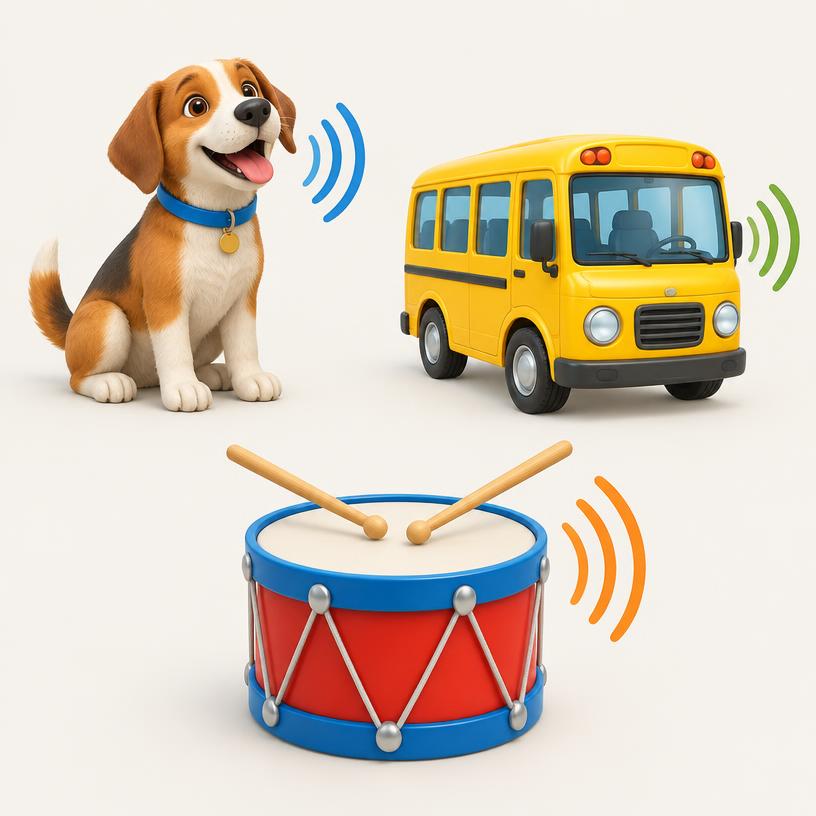
Children discover sounds produced by animals, modes of transport and musical instruments. Animations, written text and audio narration connect visual examples with sounds, helping learners recognize, associate and describe what they hear.
Children learn at different speeds. MtotoSmart offers two complementary modes for continued practice and structured assessment.
Children can try an exercise repeatedly until they reach the correct answer. They can explore questions, make mistakes and try again without being limited to a single attempt.
Repetition supports understanding, confidence-building and continued engagement at the child’s own pace.
Children complete structured assignments with only one attempt per question. The assignment time can be configured according to the learner’s stage and selected test settings.
This mode provides an opportunity to assess understanding and review performance across an assignment.
Whether practising a new concept or demonstrating what they have learned, children have opportunities to participate, improve and build confidence.
Automatically generated learning reports help parents and guardians gain a clearer picture of how their children are learning.
The reports provide available information about performance, scores, understanding, recorded exercise time and areas where further practice may help. They offer more insight than simply whether an activity has been completed, helping parents see where a child appears confident and where extra support may be useful.
Review scores in supported learning activities and assessments.
Explore performance across the activities covered by the report.
Review exercise time where recorded by the application.
Identify topics or exercises where more practice may be beneficial.
Use available report recommendations to support continued learning.
Use these insights to support practice at home, discuss learning needs with teachers and encourage your child’s next steps. Reports support educational guidance; they are not clinical assessments or predictions of academic success.
Turn learning activity into useful insights that help you support your child’s next steps.